UK viewing · 60-day money-back guarantee
Compare IPTV providers for your UK television.
Choose a subscription for the television or streaming stick you already have. Check the player, programme guide and screens used together, then compare our full plan prices in pounds.
Get IPTV Providers sells the subscriptions shown here.
Start with your television and how you use it.
A familiar remote and a readable programme guide can matter as much as the channel list. Use these checks when choosing your UK setup.
- 01
Find the exact TV model
Check the model name in the television settings. A Samsung or LG app store differs from Android TV, and available players depend on the model and software. Send those details for a compatibility check.
- 02
Try the guide and remote
During your trial, open the programme guide, switch between favourite channels and try the remote buttons you use most. Check subtitles on the programmes where you need them.
- 03
Count evening viewing
A second television in another room needs another simultaneous connection when both are playing. Choose the number of screens your household uses together, then compare the same term across plans.
Compare our subscription plans
Full payment shown. Choose your term and simultaneous screens.
- 60 days to request a full refund
- Setup help included
Silver
1 month · 1 device
£12
Total payment for the selected term
£12 monthly equivalent
- 4K streams, servers built for sport
- Live TV from multiple regions
- UK viewing preferences checked with you
- Movies and series on demand
- Adult channels hidden unless you ask
- Works on Firestick, Android and smart TVs
- VPN built in, no extra app to buy
- Electronic programme guide
- Anti-freeze tech for live matches
- Scan a QR code to sort your own channels
Gold
3 months · 1 device
£21
Total payment for the selected term
£7 monthly equivalentsave 39%
- 4K streams, servers built for sport
- Live TV from multiple regions
- UK viewing preferences checked with you
- Movies and series on demand
- Adult channels hidden unless you ask
- Works on Firestick, Android and smart TVs
- VPN built in, no extra app to buy
- Electronic programme guide
- Anti-freeze tech for live matches
- Scan a QR code to sort your own channels
Platinum
6 months · 1 device
£36
Total payment for the selected term
£6 monthly equivalentsave 47%
- 4K streams, servers built for sport
- Live TV from multiple regions
- UK viewing preferences checked with you
- Movies and series on demand
- Adult channels hidden unless you ask
- Works on Firestick, Android and smart TVs
- VPN built in, no extra app to buy
- Electronic programme guide
- Anti-freeze tech for live matches
- Scan a QR code to sort your own channels
- Annual package
Diamond
12 months · 1 device
£57
Total payment for the selected term
£5 monthly equivalentsave 59%
2 extra months included
Free IBO Player Pro with every 12-month plan
- 4K streams, servers built for sport
- Live TV from multiple regions
- UK viewing preferences checked with you
- Movies and series on demand
- Adult channels hidden unless you ask
- Works on Firestick, Android and smart TVs
- VPN built in, no extra app to buy
- Electronic programme guide
- Anti-freeze tech for live matches
- Scan a QR code to sort your own channels
View the complete price table
| Simultaneous screens | 1 month | 3 months | 6 months | 12 months |
|---|---|---|---|---|
| 1 | £12 | £21 | £36 | £57 |
| 2 | £19 | £51 | £80 | £95 |
| 3 | £26 | £63 | £96 | £132 |
| 4 | £36 | £78 | £139 | £169 |
| 5 | £48 | £93 | £163 | £206 |
Your order
Get the programme guide ready for your routine
Begin with the correct local date and time on your device. Open the player's guide after loading your subscription, then compare a current programme with its listing. For setup help, send the app name, device model and a screenshot with private login details hidden.
- 1. Select your term and simultaneous screens.
- 2. Confirm the package in our WhatsApp conversation.
- 3. Receive access details and follow your device guide.
Start with the screen you already own.
Open the matching setup guide, then confirm your exact model with our support team.
 Set up Fire TVFire TV Stick or Cube
 Set up Android TVTVs, boxes, phones and Chromecast
 Set up RokuRoku players and Roku TVs
 Set up LG webOSNo streaming box needed
 Set up Apple TVAlso covers iPhone and iPad
 Set up WindowsDesktop and laptop setup










Explore viewing categories in the channel list.
Check the programmes you plan to watch.
Send a short list of your regular channels or programmes and say where you watch. Tell us whether you need live viewing, on-demand titles or a particular language. Ask about specific catch-up needs when checking the selection rather than assuming that every programme can be replayed.
Explore viewing categoriesExample message
For example: I use an LG television in Manchester and a Fire TV Stick in the bedroom. We sometimes watch both together. Please check our channel list and recommend a player for each screen.
Replace these example details with your own before contacting us.
Choose the viewing that matters to you.


















Browse the viewing categories
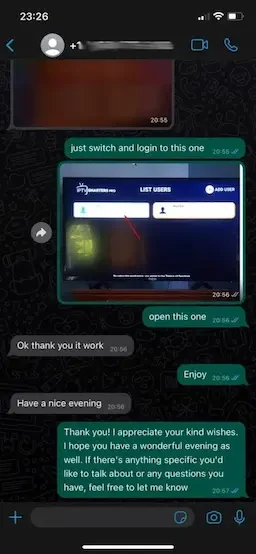
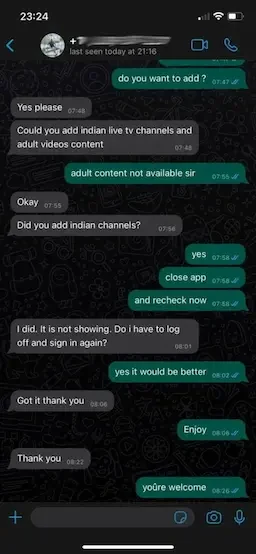
Read our customer conversations
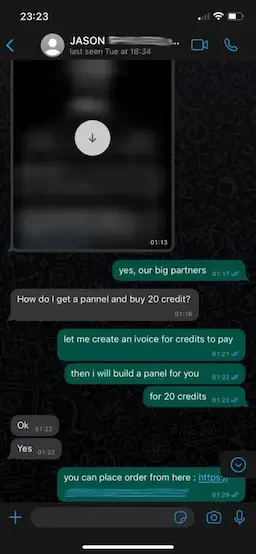
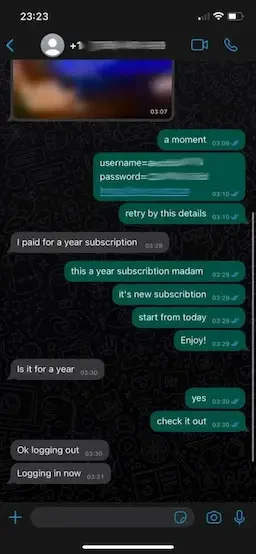
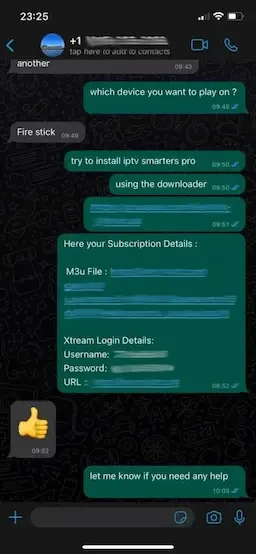
Questions about your subscription
How do I choose the right plan?
Select how many screens play at the same time, then the subscription term. All four plan cards show the full payment. Contact us with your device model and viewing shortlist before ordering if you want a personal check.
Are these UK prices in pounds?
Yes. This page shows pounds sterling. The amount on each card is the total for the selected term and number of devices. Monthly equivalents are comparison figures, not automatic monthly charges.
Is installing a player the same as buying a subscription?
No. A player is the app used to open your subscription. The provider supplies access details. Our annual plans include IBO Player Pro; contact us to check the appropriate player for your exact device.
Can two TVs watch different programmes together?
Choose a plan with at least two simultaneous devices for two screens playing together. Count the screens used at the same time, rather than every device installed in the home.
What comes with the annual plan?
The twelve-month plan includes two bonus months for one device, or six bonus months for two to five devices. The included player bonus and the full payment are shown on the annual card.
Can I check my channel list before ordering?
Yes. Send your location, preferred languages and a short list of the programmes or channels you use. We can check those details with you through WhatsApp before you select a subscription.
How do refunds and renewals work?
You have 60 days from purchase to request a full refund through WhatsApp. Subscriptions do not renew automatically. Contact us when you want to arrange another term. Full details are on the refund-policy page.
60-day money-back guarantee. Renew when you choose. No automatic billing.
Request a 24-hour trial